

START SELLING
ON WISHIFIED
Start selling on Wishified. Register, complete your profile, create your shop, get verified, receive wishes, fulfil orders and get paid.
Targeted Wish Alerts
Receive instant notifications whenever customers in your city post celebration wishes matching your categories.
Custom Quotations & Chat
Review customer requirements, send custom price offers, and negotiate terms up to 3 rounds directly in the app.
100% Escrow Safety
Buyer payments are deposited securely into escrow upon quote acceptance, guaranteeing you get paid for every order.
Direct Bank Payouts
Earnings are cleared 24h after delivery with just a minimal 3% platform fee (incl. GST).
Register & Complete Your Profile
Register as a seller and complete the basic profile information before creating your shop.
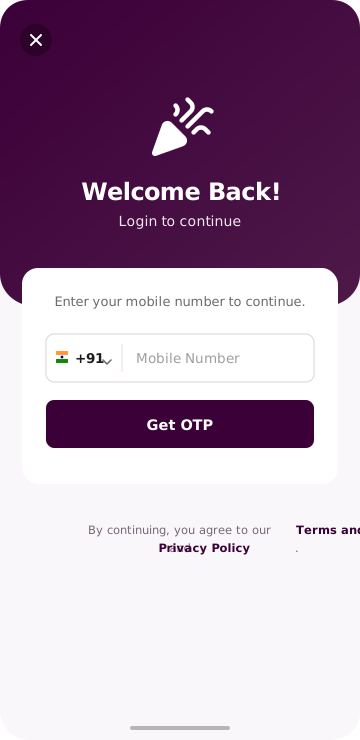
Register
Use your mobile number and OTP to instantly create your secure seller account.
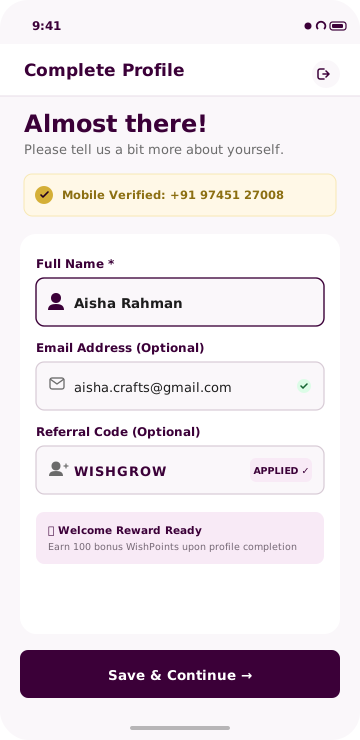
Complete your profile
Add your name, email, and basic business details needed to continue.
Create Your Shop on Wishified
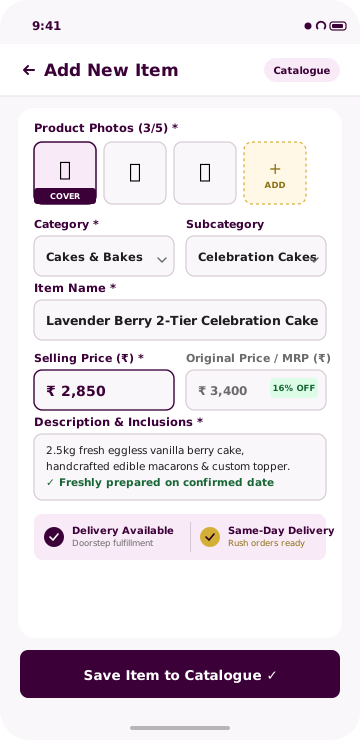
Build the storefront customers will love. Open your profile, tap “Sell on Wishified”, and complete your shop basics, location, and branding.
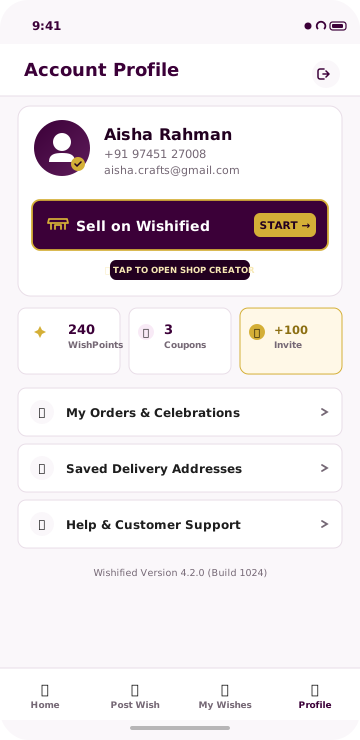
Open your profile and click Sell on Wishified
Navigate to your account profile in the app and tap the highlighted “Sell on Wishified” button to launch shop setup.
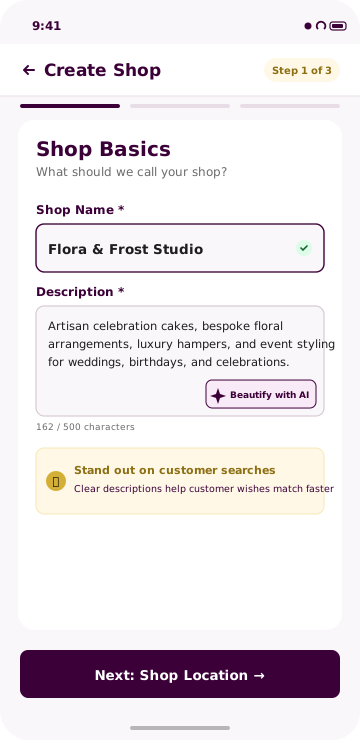
Enter your Shop Name and add your Shop Description.
Tell customers what your shop offers and what makes your products or services special.
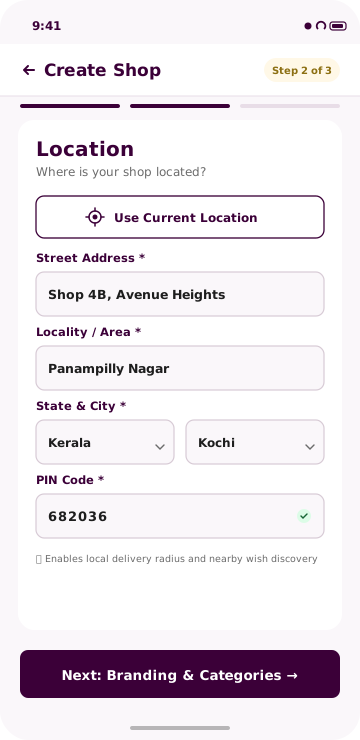
Add your Shop Location / Address.
Provide your country, state, city, locality, street address and PIN code.
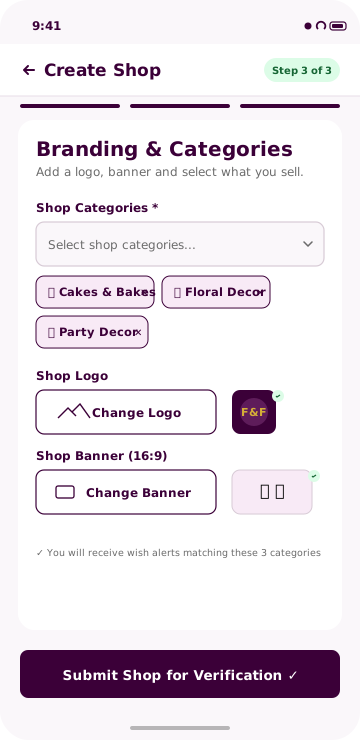
Select relevant Product Categories and upload your Shop Logo & Banner.
Multiple categories can be selected so your shop can appear in relevant customer wishes.
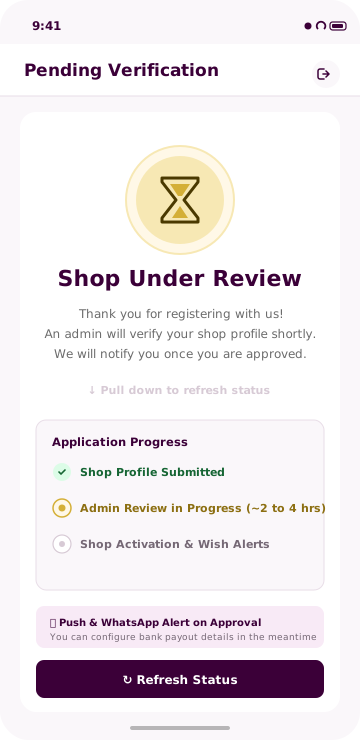
Your shop is reviewed before it goes live.
Every new seller profile undergoes admin verification to maintain high platform quality and keep transactions safe.
Guaranteed Quality: Admin verification ensures high customer trust and connects verified sellers with qualified celebratory orders.
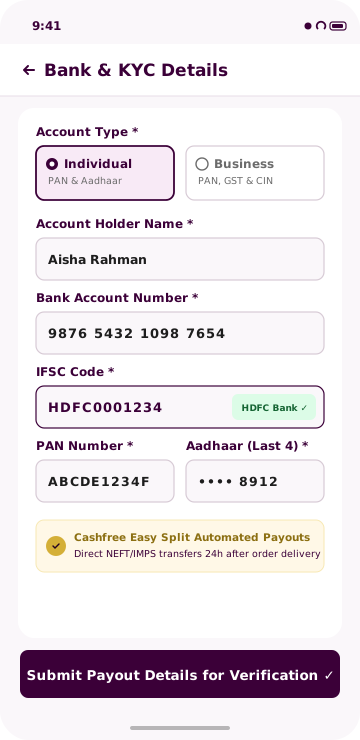
Add Your Payout Details
Add the bank account details you want to use for seller payouts and complete the required KYC verification.
Start your selling journey
From registration to getting paid, the seller journey is organised into simple, structured steps.
How Customer Wishes & Orders Work
Discover matching customer requests, quote, negotiate terms, win the order with escrow safety, and deliver celebrations.
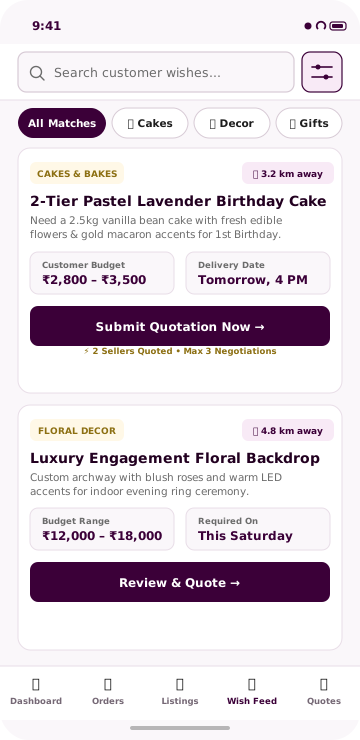
Receive relevant alerts
Get instant alerts whenever local customers post a Wish that matches your registered business categories.
Explore customer requests
View a live feed of customer requests and look for opportunities that match what you offer.
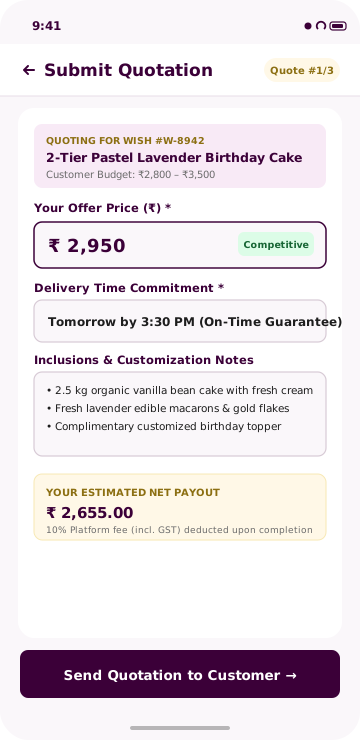
Send your quote
Review the customer’s needs and submit a competitive quotation directly from the seller app.
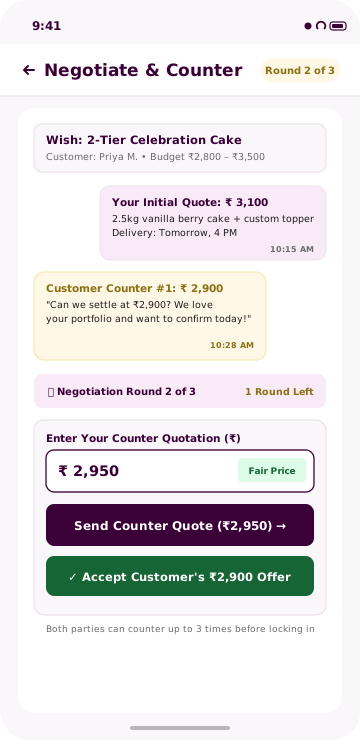
Up to 3 times
You and the customer can counter the quotation up to three times to negotiate price, terms, and customizations.
Official Escrow Order
Once the final quotation is accepted, it automatically converts into an official order with payment escrow.
Complete the order
Complete the service or deliver the product, delight the customer, and complete the order.
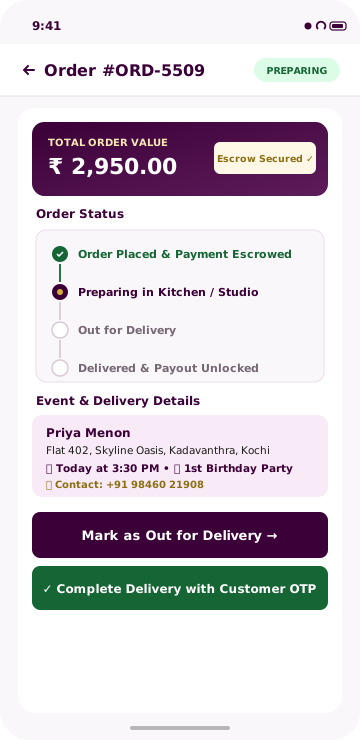
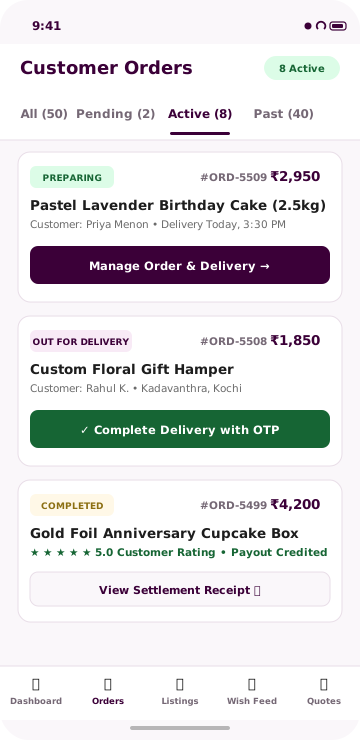
Your Seller Dashboard
Manage the important parts of your Wishified selling journey from one unified place.
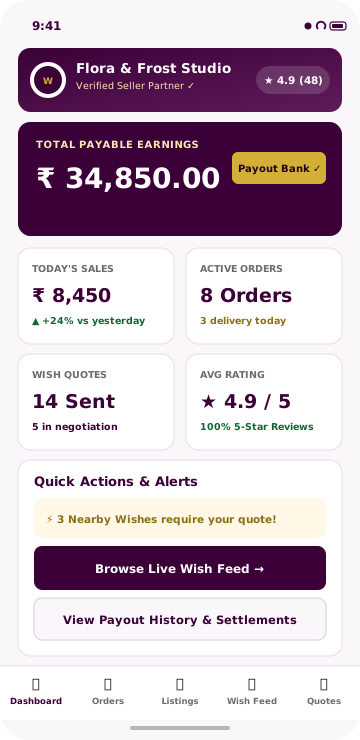
How Payouts Work
Payment follows the order journey: receive the order, process and deliver it, complete the order, then receive the bank payout.

Welcome to Wishified!
We’re excited to have you on board. Start your seller journey today and turn your work into celebrations.